
Does Assigning a YouTube Video Lesson Mean Learning Happened?
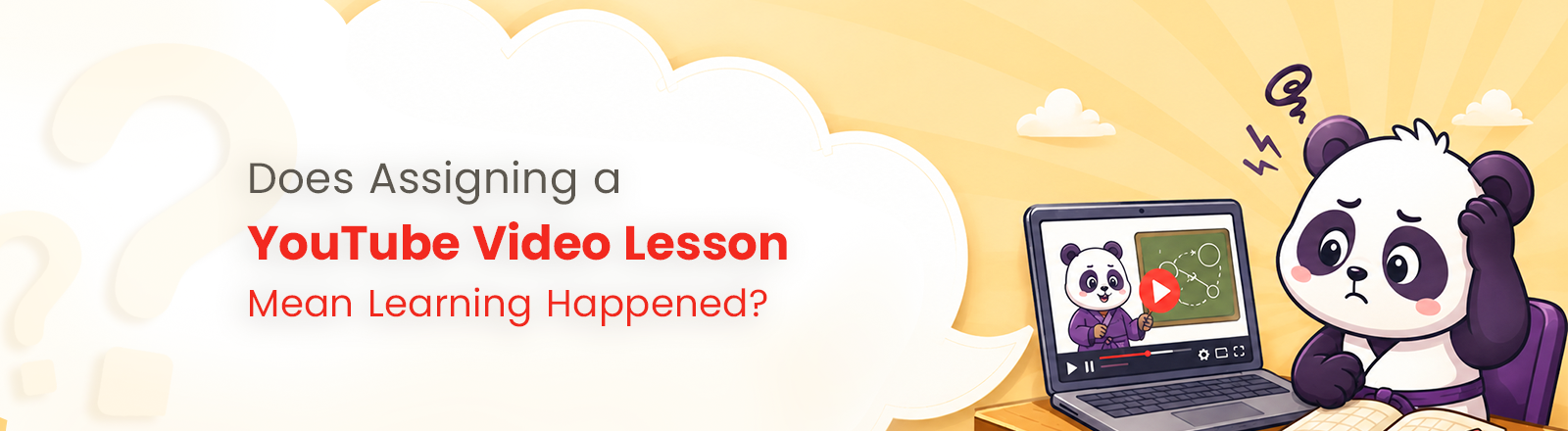
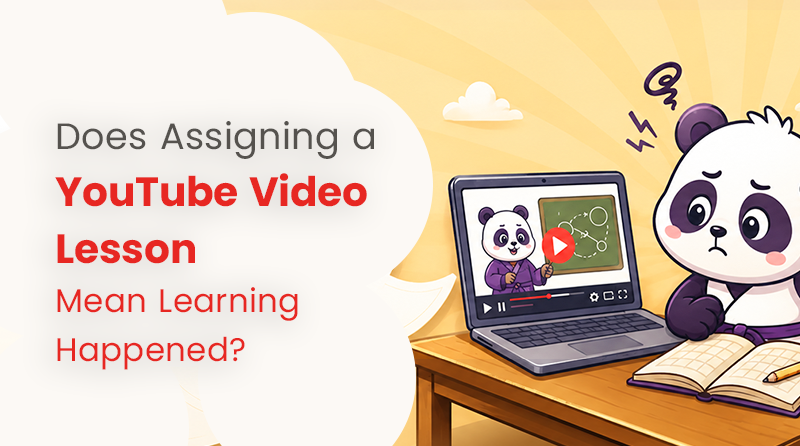
No. Assigning a video simply shows what learners are expected to watch, but it does not confirm whether they watched it, understood it, remembered it, or could retrieve what they learned.
YouTube videos can be powerful learning tools, but assigning one alone is not reliable evidence that learning happened. What matters is how learners engage with the lesson and what they can do with the information afterwards.
Why Assigning a Video Does Not Confirm Learning
Assigning a video and confirming that learning happened are two different things. A student may watch an entire video and learn very little, or watch only a short section and fully understand an idea. The amount of time spent watching does not determine whether learning occurred. What matters is how the learner processes and uses the information.
Watching Measures Exposure, Not Understanding
When a learner opens the assigned video, one thing is confirmed: they have accessed the content. That is called exposure - contact with the information. Exposure is only the first step towards learning.
For example, these two statements may sound similar, but they mean very different things:
- "The student watched the assigned video."
- "The student understood and learned the material."
The first describes behaviour. The second describes a change in what the student knows and can do. Here, viewing metrics, such as plays, watch time, and completion percentages, all belong to the first sentence. They are useful signals, but they should not automatically be interpreted as learning outcomes.
Distraction and Task Switching
Digital learning environments can contain competing distractions. When a learner accesses the video at home using a device, they are often one tap away from another app, message, or feed. This makes uninterrupted attention difficult to assume.
Research supports this concern. In a study by Rosen et al. (2013), researchers observed 263 middle-school, high-school, and university students studying at home. They found that students remained on task for an average of less than six minutes before switching, most often because of technological distractions such as social media, texting, or another open window.
This does not mean that YouTube causes students to become distracted. Instead, it shows that digital learning environments may contain competing distractions, and observed task-switching means teachers cannot simply assume that an assigned video was watched with full attention.
Video Completion Is Not the Same as Comprehension
A completion rate shows that the assigned video played to the end. It does not show what happened in the learner's mind while it was playing.
100% watched ≠ 100% understood.
Think of it this way: a student can watch an entire cooking video and still burn the rice. Watching the full video does not prove that they understood the instructions. A view count or completion rate can show that the video was played, but it cannot show whether the information was understood.
Completion, watch time, and viewing behaviour measure contact with content. Comprehension and learning require evidence from the learner, such as an answer, or an explanation, or a solved problem.
Engagement Can Drop During Longer Videos
Video length matters, but there's no single "ideal length" that works for every video, learner, or classroom. Still, the research offers a useful pattern.
Guo, Kim & Rubin (2014) analysed about 6.9 million viewing sessions across four edX courses. They found that median engagement was at most six minutes, regardless of the video’s total length, and that learners often stopped before halfway through videos longer than nine minutes.
This is a real and significant finding, but it is not a universal rule. The data came from a specific group of university-level MOOC courses, and engagement with an assigned video in an individual classroom may look very different.
The takeaway is simply that longer is not automatically better, and attention can fade as videos grow longer.
Cognitive Overload
Cognitive overload occurs when instructional information exceeds what a learner's working memory can process at one time.
When too much information is presented at once through dense explanations, irrelevant details, or split attention between visuals and text, understanding can break down even when the learner is trying hard to concentrate.
For teachers assigning video lessons, this means choosing a relevant video is only part of the process. The content must also keep the cognitive load manageable so that learners can process what they are watching rather than simply trying to keep up with it.
The Illusion of Understanding
Content familiarity can feel like understanding, but it is not the same thing.
- Recognition is "I've seen this before." Recall is "I can produce it myself."
- Familiarity is "it made sense while I watched it." Mastery is "I can explain it later."
Rewatching a video can build a comforting sense of familiarity without building the ability to retrieve and apply the knowledge.
That is why "it made sense while I watched it" is not proof that learning happened. The real test comes later, when the learner must recall, explain, or use the information.
The Gap in Simply Assigning a Video
When teachers assign a YouTube video without any form of comprehension check, several important gaps can remain:
- Teachers cannot see what happens after the link is sent. A video assignment moves through a chain: Assigned → Opened → Watched → Understood → Remembered → Applied. Teachers may only be able to see the first one or two stages.
- Students may not watch the entire video. Opening or beginning an assigned video does not mean the learner completed it or paid attention throughout.
- Self-reports may overestimate actual viewing. Students may believe they watched enough of the video or understood more than they can later recall and apply.
Without evidence from the learner, teachers are left to assume that assigning and viewing the video led to understanding.
Where an Interactive Video Quiz Fits
If assigning a video alone provides limited evidence of understanding, one way to strengthen the lesson is to place comprehension questions directly within the viewing experience.
Instead of asking learners to watch a video and complete a separate activity afterwards, comprehension checks can happen while they watch. This gives teachers clearer evidence of what they understood from the assigned lesson.
Kung Fu Quiz (KFQ) is built around exactly this idea. It places interactive questions within public YouTube videos, allowing learners to answer them while they watch. Teachers can create their own questions or use KFQ’s built-in AI tool, sensAI, to generate video-aligned questions automatically at key timestamps. Teachers can then access detailed insights into participants’ learning records, including who participated, how far they watched, which concepts they struggled with, and who performed well or may need follow-up. This allows teachers to move beyond video completion and use visible evidence of learning to guide feedback, support, and next steps.

Frequently Asked Questions (FAQs)
How can Teachers know if students learned from a video?
Use comprehension questions, retrieval practice, and application tasks connected to the video. Ask students to explain the ideas in their own words, answer questions without looking back, or apply the concept to a new problem. This turns a passive viewing assignment into a formative assessment that gives teachers visible evidence of learning.
Is simply watching a video passive learning?
It can be. Watching is passive when the learner only consumes information. However, video becomes part of active learning when it is paired with questioning, retrieval, discussion, problem-solving, or application—anything that requires learners to use the information rather than simply absorb it.
Is video completion evidence of learning?
No. Video completion is evidence of viewing behaviour. It shows the assigned video was played, but it is not sufficient proof that the learner understood, remembered, or can apply the material.
What is the difference between watching and learning?
Watching describes what the learner did with the video. Learning describes what the learner can understand, remember, retrieve, or apply afterwards.
How can I make YouTube videos more interactive for students?
Add questions, prediction prompts (ask students to guess what happens next), pause-and-recall activities, comprehension checks, quizzes, discussion, application tasks, and reflection. Tools like Kung Fu Quiz can place questions directly onto the video so interaction happens while watching.
Can quizzes improve engagement with educational videos?
In one study, yes, with an important caveat. Patanwala et al. (2017) found that when a quiz was required, median logged video viewing time was higher: 80 minutes versus 69. The supported claim is narrow: requiring a quiz was associated with higher logged viewing time. Increased viewing is not automatically the same as increased learning, but it may encourage engagement with the material.