
Become The Ultimate Master!
With Kung Fu Quiz, you hold the power to take learning from YouTube videos to a whole new level!


LESSONS TO LEARNING INSIGHTS IN 3 STEPS
Create your Challenge
Start with a YouTube video or a standalone quiz to create your Challenge.

Invite students to your Dojo
Publish your Challenge and share its unique Dojo code or link with your students to join in.
Review if learning took place
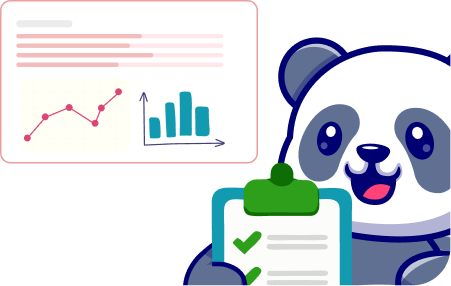
Access the Dojo Insights to assess who watched, who understood, and who needs your help.

Set the Challenge you want to Create
Video Challenge
Add questions to YouTube videos and create a Video Quiz. Turn passive watching into a measurable activity where students watch and respond as they go.
Quiz-only Challenge
Create a standalone quiz without a video. Check understanding, recap topics, or make fun classroom activity while also assessing what students know.
Flashcards
Build question-and-answer Flashcards and present it on a big screen. Perfect for quick revisions, warm-up class activity, or easy memorisation with every flip.

Different Dojo Modes for the Same Challenge.
Repurpose your challenge across the Dojo Modes and decide how you want your students to experience it.

Game Mode
Engage your students with a gamified quiz into friendly competition with live scores and leaderboard.

Assessment Mode
Give students the Challenge as an assessment and review their performance through your Dojo Insights.
Feedback Mode
Create Challenges that provide immediate feedback when students answer incorrectly.
Live Mode
Present on a big screen, and invite students to join together and watch as they compete on the live leaderboard.


Lead with insights after the Challenge ends
Review your Dojo Insights and turn each quiz responses into accountable learning information.

See Participation
Know who joined and completed the learning activity.

View Individual Performance
Review how each learner performed across the Challenge.

Assess Group Understanding
Identify the questions that cause difficulty among your students.

See where to focus next
Use the results to identify areas that may need clarification, revision or reteaching.

More than a single question type
Match-and-mix the six unique Question Types to add into YouTube Videos or create a Quiz-only Challenge to help students master topics effectively.

Single Answer Question

Multiple Answer Question

Drag Words Into Box

Fill in the Blanks

Sort Sentence

Button